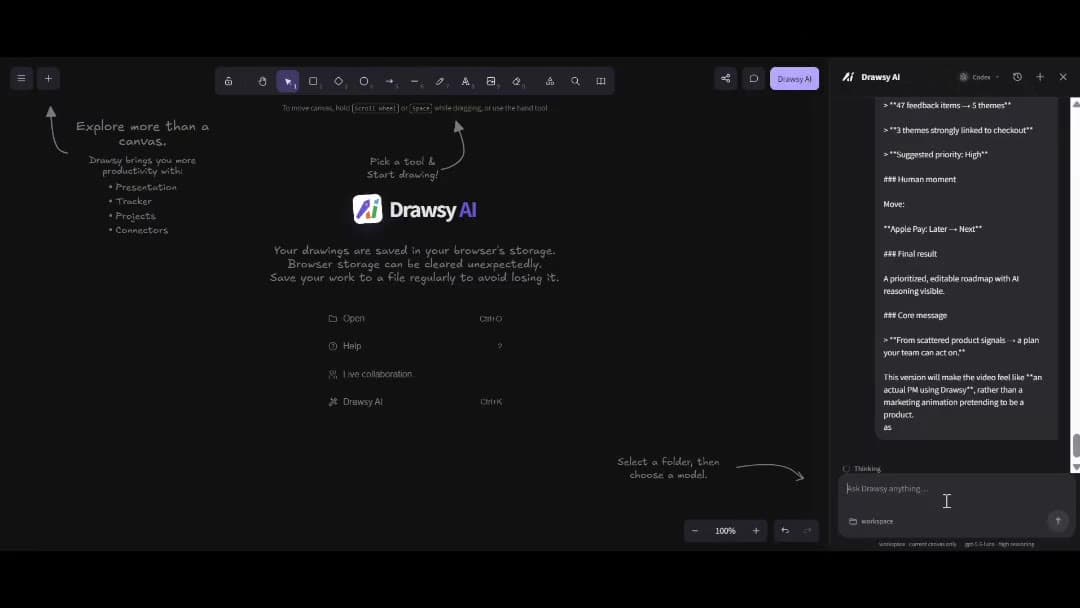
Turn research, ideas, and priorities into a visual product roadmap — then keep that plan connected to evidence, tasks, and engineering. Drawsy AI helps product teams plan on an infinite canvas with AI and connected project sources.
Research lives in one place. Requirements sit somewhere else. Tasks and trackers live elsewhere. Decisions disappear into meeting notes. The roadmap becomes a slide that no longer matches the evidence or the work in progress.
Drawsy AI gives product teams a visual planning workspace where research, priorities, milestones, and execution context can stay on the same board.
Research
   +
Requirements
   +
Decisions
   +
Tasks / trackers
        ↓
Often scattered across tools
Turn product context into a roadmap
Start from the evidence, not a blank timeline. Move from research and ideas into themes, priorities, and a roadmap the team can actually share.
A visual roadmap makes relationships obvious: what depends on what, what ships when, and which initiatives share a theme. Keep timelines, milestones, initiatives, dependencies, and user journeys editable on one canvas — not locked in a presentation export.
Timeline and milestone views
Dependencies between initiatives
Themes and priority grouping
User journeys beside the plan
Bring the evidence with the plan
Connect the sources that justify the roadmap — docs, email, files, conversations, and meeting notes — so AI and teammates work from the same evidence, not a summary someone pasted once.
Notion — PRDs, specs, and discovery notes
Google Drive — decks, research files, and briefs
Gmail — stakeholder threads tied to decisions
Slack — conversations that changed priorities
Fireflies / Read AI — meeting notes beside the plan
Use AI to explore and structure
AI can help summarize research, group ideas into themes, spot gaps, compare priority options, and turn notes into planning artifacts. It does not automatically decide your roadmap — product judgment stays with the team.
Summarize linked research and feedback
Group ideas into themes
Identify gaps in the plan
Compare priority options against evidence on the board
Turn notes into roadmap and planning artifacts
Move from roadmap to execution
A roadmap that never reaches delivery is just a slide. Keep planning connected to how work gets done — Kanban-style boards, Jira workflows, tasks, and the engineering context that implements the plan.
Drawsy AI isn't a replacement for Jira, your project tracker, or your documentation system. It doesn't automatically decide your roadmap. It gives product teams a visual workspace where research, priorities, and execution context can stay connected.
An AI product roadmap tool helps teams turn research, ideas, and priorities into a visual plan — with AI helping structure and explore options while humans own decisions. Drawsy AI is an AI workspace used for that planning work.
AI can help summarize evidence, group themes, and draft planning artifacts from context you authorize. It should not silently invent priorities or replace product judgment.
Roadmap planning on Drawsy AI is designed to connect to execution — including task workflows and Jira where available — so the plan does not stay stranded as a slide.
Yes. Connect docs, files, conversations, and meeting notes so research stays beside themes, priorities, and milestones on the canvas.
Yes. Keep the roadmap connected to engineering workflows and architecture so delivery teams share the same plan. See the developers and system architecture use cases.
No. Drawsy AI is a visual AI workspace for planning and context. It does not replace your project tracker — it connects planning artifacts to the systems and tasks around them.
Yes. Map timelines, milestones, dependencies, themes, and initiatives on an infinite canvas, with linked evidence and AI available beside the plan.