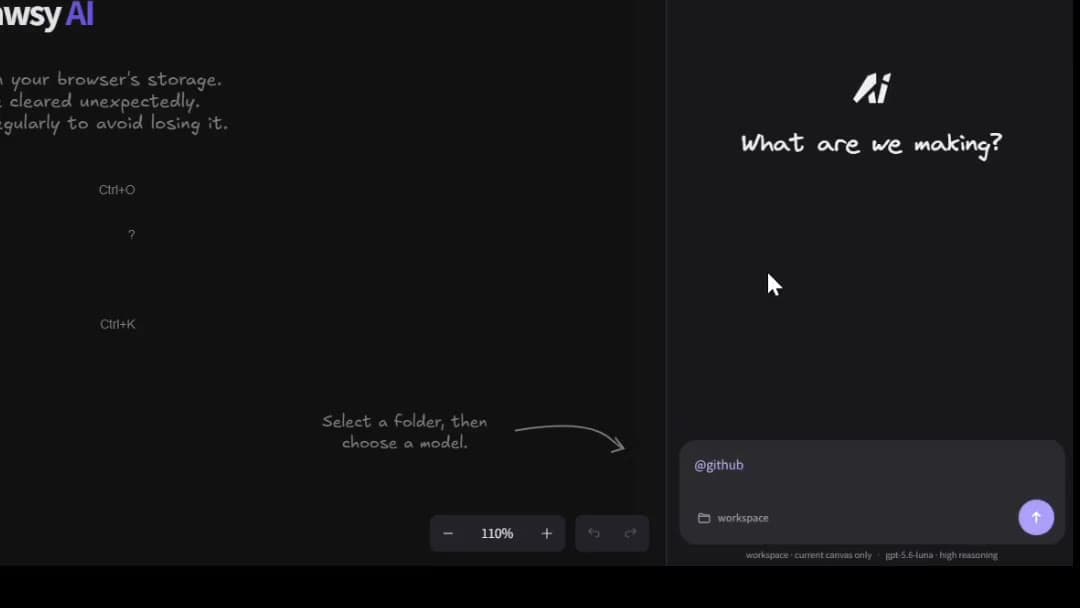
Design, understand, and communicate software architecture with your project context, AI, and an editable visual workspace. Connect your codebase and relevant sources, map services and dependencies on the canvas, work with AI and coding agents, and turn architecture decisions into working software.
A system architecture diagram is only useful when it reflects the system behind it. Isolated drawings drift. Screenshots rot. The useful map stays connected to code, requirements, dependencies, infrastructure, and the decisions that shaped them.
Drawsy AI brings those layers together on one visual workspace. Learn how context engineering designs what information AI should receive — this page is about using that approach for software architecture.
Connect a GitHub repository and related project sources, then map services, dependencies, and flows on the canvas. AI can help explain relationships in the context you authorize — not invent a system you do not have.
Documentation and decisions linked beside the diagram
Questions scoped to the architecture you selected
Design systems before you build them
Sketch components, services, data flows, and dependencies while requirements are still changing. AI can help explore alternatives and structure incomplete designs — it does not make architectural decisions automatically.
Yes — you can use Drawsy AI to understand and design AWS infrastructure as part of the same architecture workspace, not as a detached cloud-console export.
Connect AWS resource context, bring infrastructure relationships onto the canvas, and turn them into an editable architecture map you can reason about and redesign beside application design.
Infrastructure context from AWS sits on the same board as application architecture
Editable visual map — services, networks, and data stores you can rearrange
Reason about the running estate and design changes without leaving the workspace
Not a replacement for the AWS console — a visual layer for understanding and redesign
Give coding agents the architecture behind the task
Architecture without implementation context is incomplete. Implementation without architecture context is risky. Drawsy AI provides a visual project layer so supported coding workflows — including Codex CLI and OpenCode CLI via Companion — can work from selected workspace context rather than an isolated prompt.
Learn what AI coding agents are, then use this page for the architecture → agent → build loop.
Architecture is the bridge between understanding a system and building it. On Drawsy AI, the loop can continue past the diagram: agents work with project context, produce or change code, and live previews can bring running software back onto the canvas so you can refine the design against something real.
Architecture
     ↓
Agent
     ↓
Code
     ↓
Run
     ↓
Live Preview
     ↓
Refine
Keep architecture close to the code
DRAW.md is how Drawsy AI keeps architecture next to the repository — a canonical project document that can render into editable canvas content, then stay available to coding agents working from the same workspace.
The point is not another markdown format to maintain for its own sake. It is a bridge so architecture does not live as a detached diagram outside the project.
Architecture stays close to the code that implements it
Canvas content can stay aligned with a readable project document
Agents can work from the same visual + project layer — not a screenshot in a slide deck
Complements Git and docs; does not replace them as source of truth
What you can design
Common architecture jobs on Drawsy AI:
System architecture — services, dependencies, and data flows
API architecture — endpoints, services, and integrations
Database architecture — schemas, relationships, and migrations
Cloud infrastructure — AWS resources and infrastructure relationships
Distributed systems — queues, services, workers, and event flows
Application architecture — frontend, backend, and external services
What Drawsy AI isn't
Drawsy AI isn't your cloud console, Git provider, IDE, or project tracker. It gives you a visual workspace where context from those systems can be brought together to understand and design the system — then continue into agents, code, and previews when you need them.
An AI system architecture tool helps you design, understand, and communicate software architecture with visual maps plus project context — not only static diagrams. Drawsy AI is an AI workspace used for that work.
Yes. You can map services, dependencies, and flows on an infinite canvas, with AI helping expand or question the design from the context you authorize.
Yes. Connect GitHub and related sources, map the architecture on the canvas, and ask AI about relationships in the context you selected.
Yes. Connect AWS resource context, bring infrastructure onto the canvas as editable architecture, and reason about or redesign it beside application design — without replacing the AWS console.
DRAW.md keeps architecture close to the code: a project document in the repository that can render into editable Drawsy canvas content and stay available to coding agents working from that workspace.
Yes. GitHub is a core connector for architecture workflows so repository context can sit beside the diagram.
AI can help explore options, structure incomplete designs, and question gaps. It does not automatically make architectural decisions — humans still own trade-offs.
Yes. Architecture and project context on the canvas can inform coding-agent workflows, including Codex CLI and OpenCode CLI via Drawsy Companion.
Drawsy AI supports continuing past the diagram — agents, code, and live previews — so architecture work can feed implementation and refinement on the same workspace.
No. Drawsy AI is a visual workspace around your existing stack — cloud console, Git, IDE, and docs — not a replacement for them.