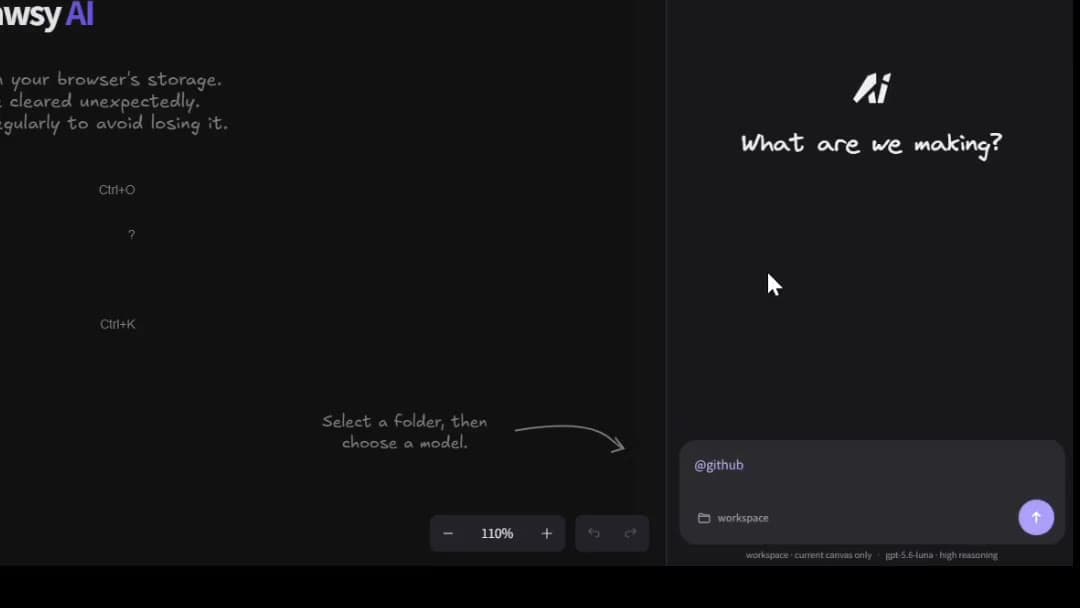
Two visual tools, different jobs for the diagram: Excalidraw is built for lightweight, fast, hand-drawn diagramming; Drawsy AI is built for situations where the diagram is part of a larger project workflow — with connected sources, AI, agents, and a path toward implementation.
The central question is not “which canvas has more features.” It is: do you need a simple diagram, or is the diagram part of a larger project workflow?
Drawsy AI
Excalidraw
Core focus
Visual project workspace
Lightweight visual diagramming
Canvas
Infinite visual workspace
Infinite canvas
Drawing style
Flexible visual workspace
Hand-drawn / sketch-like
Project context
Connected sources + canvas
Primarily diagram / canvas workflow
AI
AI + agents around project context
Generative diagram AI (esp. Excalidraw+)
Developer workflow
Architecture → context → agents → build
Diagramming / technical visualization
Collaboration
Project workspace
Collaborative canvas
Best fit
Context-heavy technical / product work
Fast, simple diagrams and sketches
What both are good at
Both put ideas on an infinite canvas quickly. Both work well for technical sketches, system maps, and visual explanation. Both support collaborative editing in their ecosystems.
Excalidraw’s strength is staying light: open, sketch, share — with a hand-drawn feel that lowers the cost of thinking out loud. Drawsy AI keeps a visual-first surface while organizing the diagram as part of ongoing project work.
The diagram has a different role
Feature lists blur as both products add AI and collaboration. Workflow role is the clearer signal.
Excalidraw

Idea
 ↓
Sketch
 ↓
Diagram
 ↓
Share
Drawsy AI

Project
 ↓
Context
 ↓
Canvas
 ↓
AI
 ↓
Agent
 ↓
Code
 ↓
Running software
Excalidraw is better when…
Choose Excalidraw when simplicity is the point.
You want to sketch something quickly and move on
You prefer a hand-drawn visual style that stays low-friction
You need a lightweight diagramming experience without a broader project workspace
The diagram is the deliverable — not a hub for ongoing project context
You want open-source / minimal-setup diagramming for personal or ephemeral work
Drawsy AI is better when…
Choose Drawsy AI when the sketch has to stay connected to the work around it.
The diagram is part of an ongoing project, not a one-off file
Architecture needs to sit beside code and project context
Connected sources matter on the same board as the drawing
AI should reason over relevant project context, not only the scene
Coding agents are part of how the team ships
You want a path from architecture toward implementation and running software
For developers: diagrams or development context?
Excalidraw is excellent when the primary task is drawing — a quick service map, a whiteboard sketch in a meeting, a diagram for a PR or doc.
Drawsy AI is designed for situations where the diagram is one artifact inside a larger technical workflow: repository context, requirements, infrastructure, agents, and implementation sitting around the same visual layer.
When a sketch becomes the living map of a system, Drawsy AI’s role is to keep that map inside the development loop — not only to export a prettier PNG.
AI and agents can work from selected canvas + authorized context
Companion bridges supported local coding workflows when you are ready to build
AI without overselling
Excalidraw’s product line includes generative features such as text-to-diagram and related AI tooling (especially on Excalidraw+), plus agent-oriented integrations such as MCP in its hosted offering. Do not choose Drawsy AI because “Excalidraw has no AI.”
Choose based on center of gravity: Excalidraw optimizes for diagram generation and lightweight visual work; Drawsy AI optimizes for diagrams that stay tied to project context and development workflows.
Excalidraw workflows are primarily about the scene you draw and share. That is enough for many technical communication jobs.
Drawsy AI adds connected project sources beside the canvas so connected context can inform questions, plans, and agent work — useful when the diagram must stay honest to the repo, docs, and decisions around it.
Keep Excalidraw when you want maximum simplicity: a quick sketch, a hand-drawn illustration, a lightweight embed, or a diagram that does not need a project workspace wrapped around it.
Drawsy AI is not trying to replace every fast Excalidraw habit. It is the better primary tool when visual work must compound into durable technical context — and a weaker fit when you only need to draw and share.
Using both
A common pattern: Excalidraw for quick personal sketches; Drawsy AI when a diagram becomes a shared system map that needs sources, AI, and a path toward build.
Start free at https://drawsyai.com. Rebuild the diagrams that need to persist, connect sources, and sign in at /login when you need save and share.
What Drawsy AI is not claiming
Drawsy AI is not claiming Excalidraw lacks AI, MCP, collaboration, or diagram generation. Those capabilities exist in Excalidraw’s product line — especially on Excalidraw+.
Drawsy AI is a better fit when the diagram must live inside a project → context → agent → software loop — and a weaker fit when you only need fast, lightweight sketching.
Frequently asked questions
Excalidraw centers on fast sketching and lightweight diagrams. Drawsy AI centers on visual project context: the diagram sits beside connected sources, AI, and coding workflows so technical work can continue past the sketch.
Yes, when you need more than a diagram file — especially for developers and teams whose architecture, research, or plans must stay linked to project context. For quick standalone sketches, Excalidraw may still be the better choice.
Often yes. If the primary task is drawing something quickly in a hand-drawn style and sharing it, Excalidraw’s simplicity is a genuine strength. Drawsy AI is a better fit when the diagram must live inside an ongoing project.
Yes. Drawsy AI is used as an AI system architecture tool — mapping systems with project context, infrastructure, and a path toward agents and implementation. See the system architecture use case for that workflow.
Yes. Connectors bring authorized project sources onto the same canvas as the diagram so AI and teammates work from shared visual + source context.
Yes. Drawsy AI’s AI and agents can work from canvas state plus connected context, and Companion bridges supported local coding workflows. Excalidraw also offers generative AI and agent-oriented integrations in its product line — the difference is Drawsy AI’s center of gravity around project context and development workflow, not exclusive ownership of diagram AI.
Use Excalidraw when you need a simple diagram fast. Use Drawsy AI when the diagram is one artifact inside architecture, planning, or development work that needs connected context and a path toward implementation. Many people use both.